 Benzyl Labs

About Peacock Photo Frames
Peacock is national beautiful colorful bird of India. It is gorgeous among all birds on the earth. It has very graceful and multi color feathers. It dances very beautiful when it is raining. It has metallic and violet color on it feather with eye shapes are blue in color. The peacock train consists not of tail quill feathers. Every one like this bird and very much likes to play with bird.
It sings very awesome. These birds also use their huge tails to make a loud noise. Male peafowl are referred to as peacocks, and female peafowl are referred to as peahens, these are in general can seen in forest and farms agriculture.
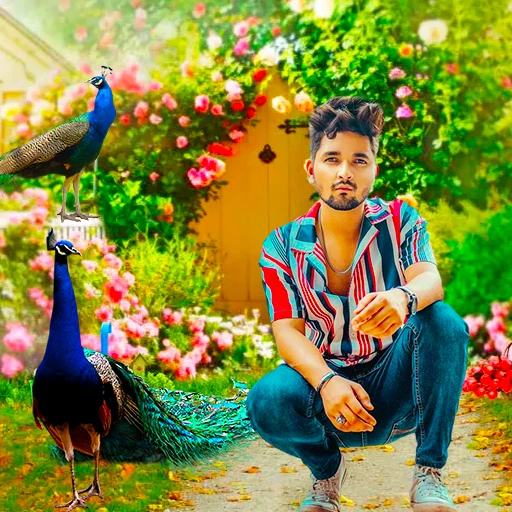
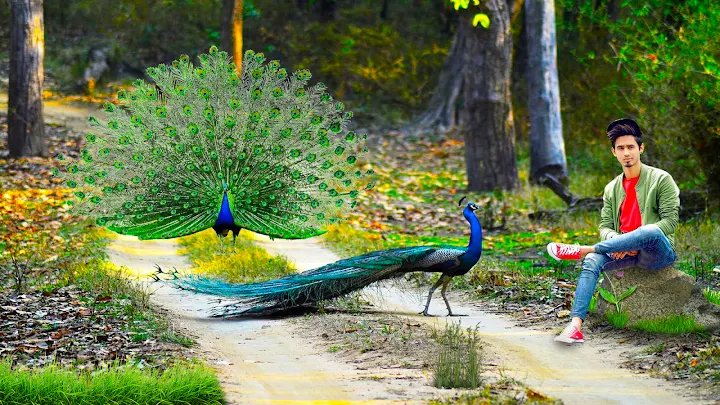
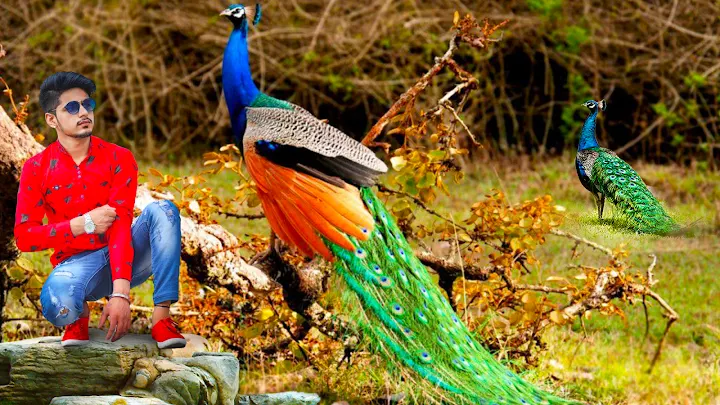
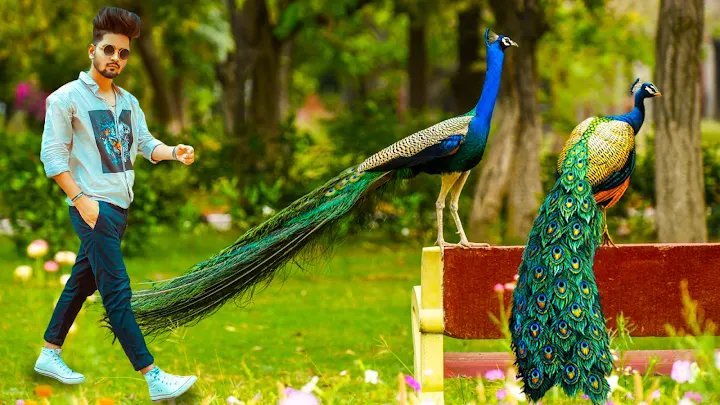
So, if you wanted to take picture with this peacocks or beside it as you're enjoying with it. Our app will help you to edit your picture with this various colorful peacocks. By this you can see how beautiful look yourself and imagine with this.
How to use this app?
Crop Option
Peacock Photo Frames has crop options. Take photo or Selfie or select pic from gallery. Crop it first with the help of crop feature to remove unwanted portion from it. In this peacock background erase option helps you to remove unwanted background of your photo. Eraser size can be adjusted, make its size small or big. Use zooms in & zoom out option to erase carefully without erasing the main picture. Undo, redo and repair option will help you to erase the background perfectly.
Auto Eraser
Peacock photo editor has auto background eraser option. It will help you to remove particular color object from the background in single touch.
None background or single color background
You can set none background or any single color background in this peacock editor with this option. Your photo will get white background with none background option.
Change Background
Set any beautiful background to your photo from this peacock photo editor background collections or select any picture from your gallery. Drag it into the right position, zoom in or zoom out and set it as your photo background and also convert into blur background.
Add stickers
This Peacock Frames app has stickers collection. Add face stickers & photo stickers from this collection. Select any sticker and drag it into the right position, zoom in or zoom out, rotate it, flip it and set it at the suitable position on the photo. You can reduce the opacity of stickers and photos also.
Add Text on Photo
Peacock app has text on pic option. Add quote or write text as per your choice on the photo. This option helps you to convey your message with your pics to others and also it can be used to send messages, festival wishes, greetings etc.
Flip option
In this photo editor app you can apply flip option to your main photo and stickers. Sometimes the real picture position or pose may not be attractive. By changing the pose to opposite direction, the picture may be more attractive.
Set wallpaper
The Final image which you get in this peacock app can be set as a wallpaper of your device.
Share option
Modified photos can be shared in this peacock photo app with your friends, girlfriends and family members. Save and share the final picture on any social media network.
Questions
Is Peacock Photo Frames free?
Yes. Peacock Photo Frames & Editor is free to download on Google Play. It shows ads to stay free.
Are my photos uploaded anywhere?
No. Peacock Photo Frames edits your photos on your phone, and saved pictures go to your own gallery.
Which phones does Peacock Photo Frames work on?
It works on Android phones and tablets. Install it from Google Play.
Who makes Peacock Photo Frames?
Peacock Photo Frames & Editor is made by Benzyl Labs, an Android app studio in Hyderabad, India.