About Waterfall Photo Editor
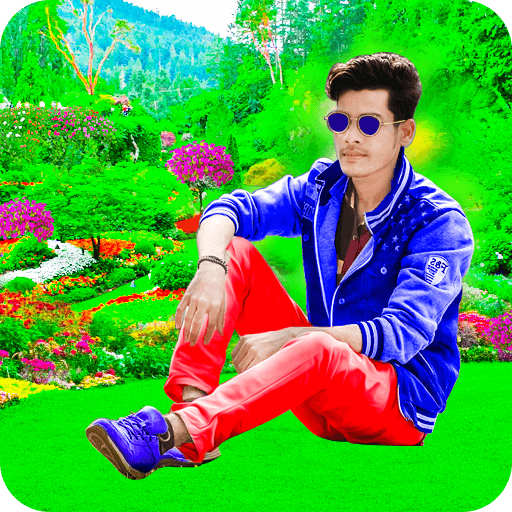
Waterfalls are one of nature's most stunning gifts to the earth. Located amidst lush green hills, tropical forests, and crystal streams, they provide the perfect peaceful backdrop for memorable portraits. Waterfall Photo Editor and Photo Frames by Benzyl Labs lets you place your pictures into high-definition waterfall settings with ease.
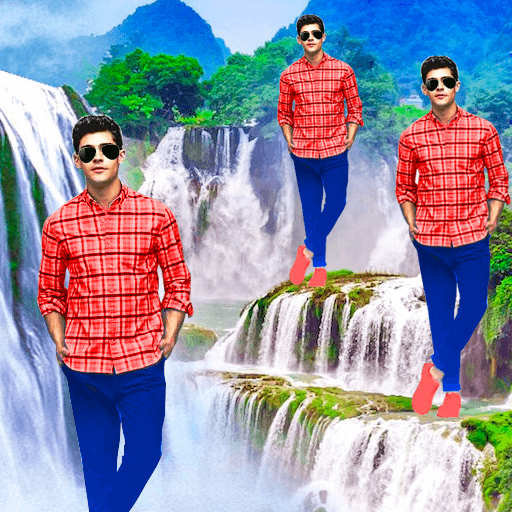
Whether you want to remove an unsightly background from an old picture, apply artistic color splash effects, or clone yourself with 3D echo mirrors, this app provides an all-in-one photo manipulation toolkit for Android.
Top Features & Editing Capabilities
1. Auto Background Eraser & Cutout
Single-touch automated background eraser removes specific color pixels instantly. Need precision? Use the adjustable manual eraser, zoom in up to 500%, and take advantage of Undo, Redo, and Repair brushes to fix fine edges around hair and clothing.
2. HD Waterfall Background Collections
Choose from dozens of scenic nature waterfall backdrops. Drag, rotate, pinch-to-zoom, and flip your photo to achieve a natural perspective. You can also blur the waterfall background for a stunning DSLR depth-of-field effect.
3. Color Splash & Selective B&W
Turn your entire photo into a classic black-and-white image, then selectively paint back vibrant colors onto yourself or the cascading waterfall stream for an eye-catching focal effect.
4. 3D Echo Mirror Magic
Create slow-motion clone effects, reflection mirrors, and surreal multi-image echo poses with customizable opacity and spread parameters.
5. 20+ Themed Stickers & Text on Photo
Add beautiful butterflies, birds, plants, and smiley emojis. Overlay custom quotes, good morning greetings, and festival wishes with customizable font typography and color palettes.
6. One-Tap Wallpaper & HD Social Sharing
Directly apply your finished portrait as your Android device's home screen or lock screen wallpaper. Export in full resolution without compression to WhatsApp status, Instagram, Facebook, and Snapchat.
How to Use Waterfall Photo Editor (Step-by-Step)
- Select Photo: Snap a fresh selfie using your camera or choose a photo from your gallery.
- Crop & Frame: Crop away unnecessary borders using freehand or preset aspect ratios.
- Erase Background: Use the Auto Eraser for solid backgrounds or the Magic Cutout tool to isolate your portrait.
- Select Waterfall: Browse our gallery of HD mountain and forest waterfall frames.
- Apply FX & Stickers: Adjust color warmth, add butterfly stickers, or create an echo clone.
- Save & Share: Save the final masterpiece to your phone or share directly with friends and family.