About Men Formal Shirt Photo Maker
Need a sharp, professional photo for your job resume, LinkedIn profile, passport, or official ID without buying an expensive formal suit? Men Formal Shirt Photo Maker by Benzyl Labs is the ultimate virtual wardrobe app for men.
With over 10 million downloads on Google Play, this app makes it effortless to fit your face onto executive corporate shirts, crisp button-downs, designer ties, and casual collared wear. Combine it with our automated background replacement tools to create instant studio-grade headshots.
Key Features & Virtual Wardrobe Tools
1. Massive Suit & Shirt Collection
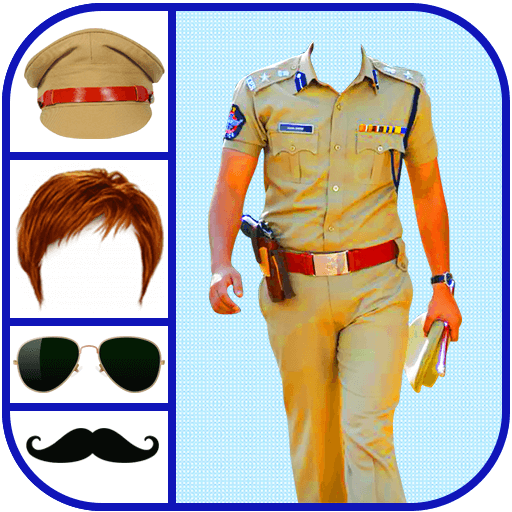
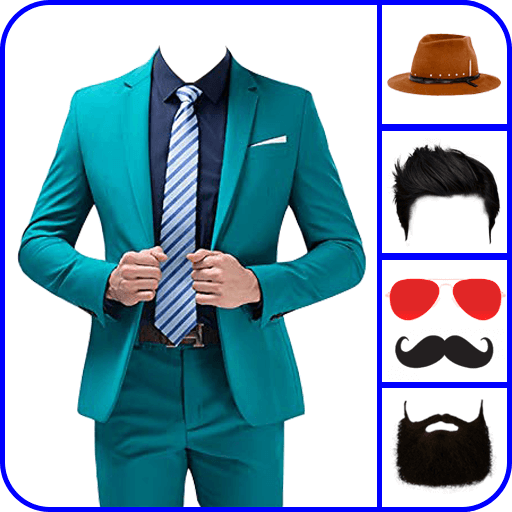
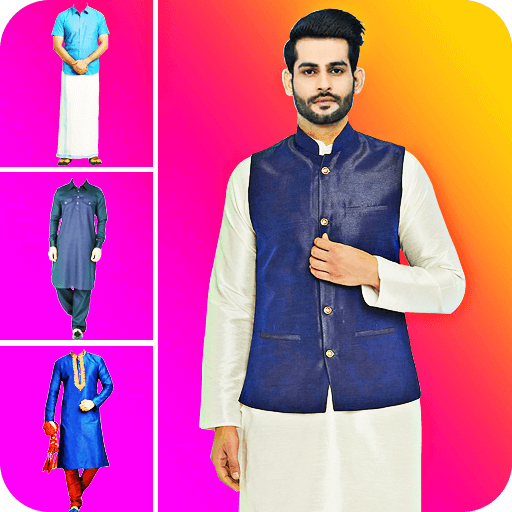
Browse dozens of formal white, blue, and patterned shirts, business casual polos, tailored blazers, and shirts with formal ties. Each suit template is designed with natural lighting and necklines for seamless face fitting.
2. Smart Face Cutout & Alignment
Crop your selfie, match face proportions, and adjust skin brightness and tone. Our flip and rotate tools guarantee a snug fit onto the shirt collar with no awkward overlaps.
3. Background Eraser & Office Studios
Remove messy home backgrounds with our 1-touch auto background eraser. Swap your backdrop with modern executive offices, conference rooms, clean white studio backdrops, or solid passport colors.
4. Professional Photo Retouching
Fine-tune contrast, saturation, sharpness, and skin smoothness. Apply subtle color filters to match your face lighting to the suit fabric for 100% realism.
5. Stickers: Hairstyles, Mustaches & Sunglasses
Experiment with stylish men's hairstyles, beards, mustaches, optical glasses, and sunglasses to complete your handsome look.
Step-by-Step Guide: Create Your Formal Photo
- Take or Choose a Photo: Capture a front-facing selfie or import an existing portrait.
- Crop Your Face: Use the freeform or oval crop to isolate your face and neck.
- Select a Suit/Shirt: Scroll through our catalog of executive formal shirts and shirts with ties.
- Align & Blend: Zoom, rotate, and adjust position so the collar fits naturally. Adjust skin tone to match.
- Set Background: Pick a clean solid color or modern office backdrop.
- Save & Export: Save high-resolution copies for your resume, CV, or share with colleagues.